Is the Free plan really free?+
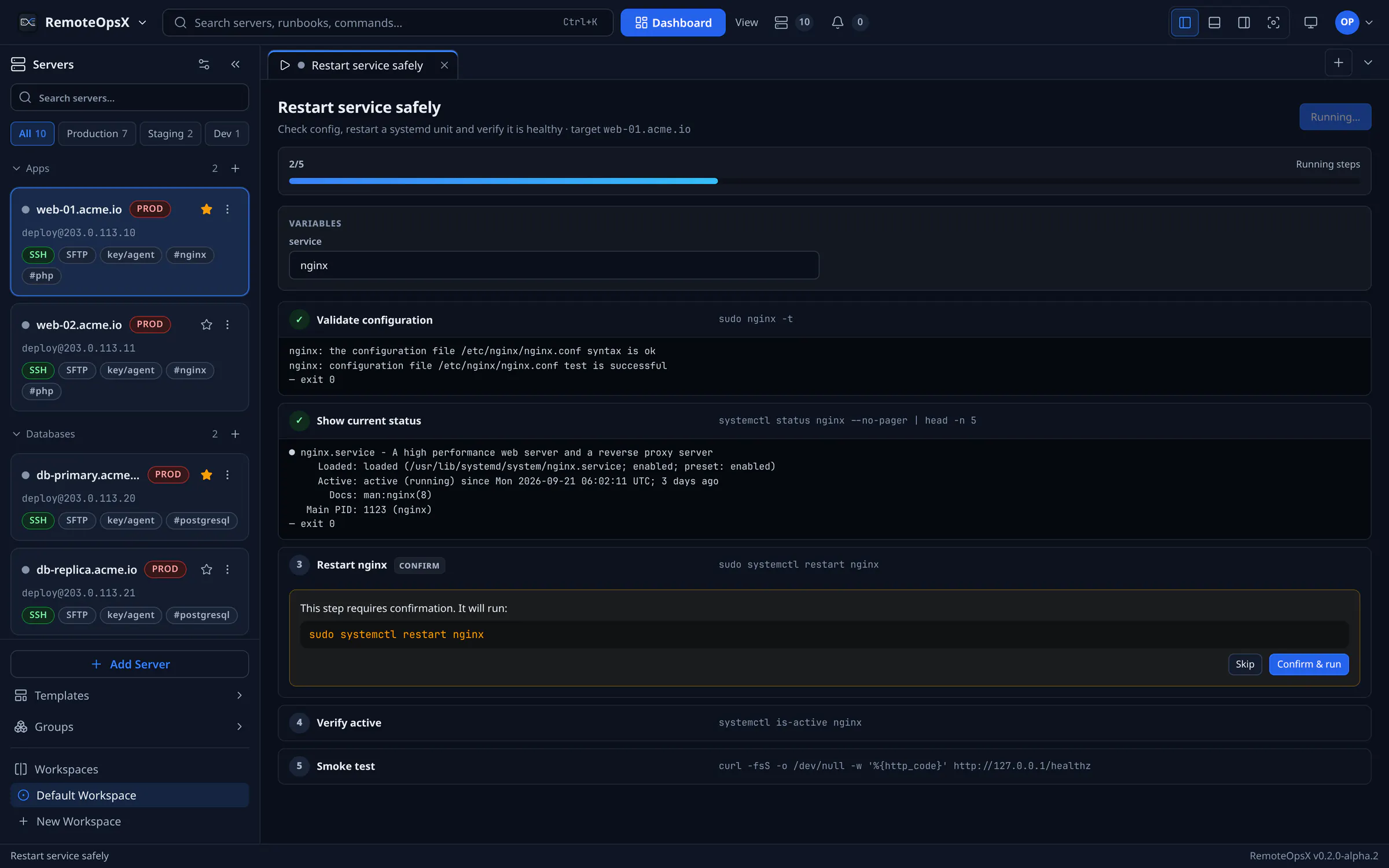
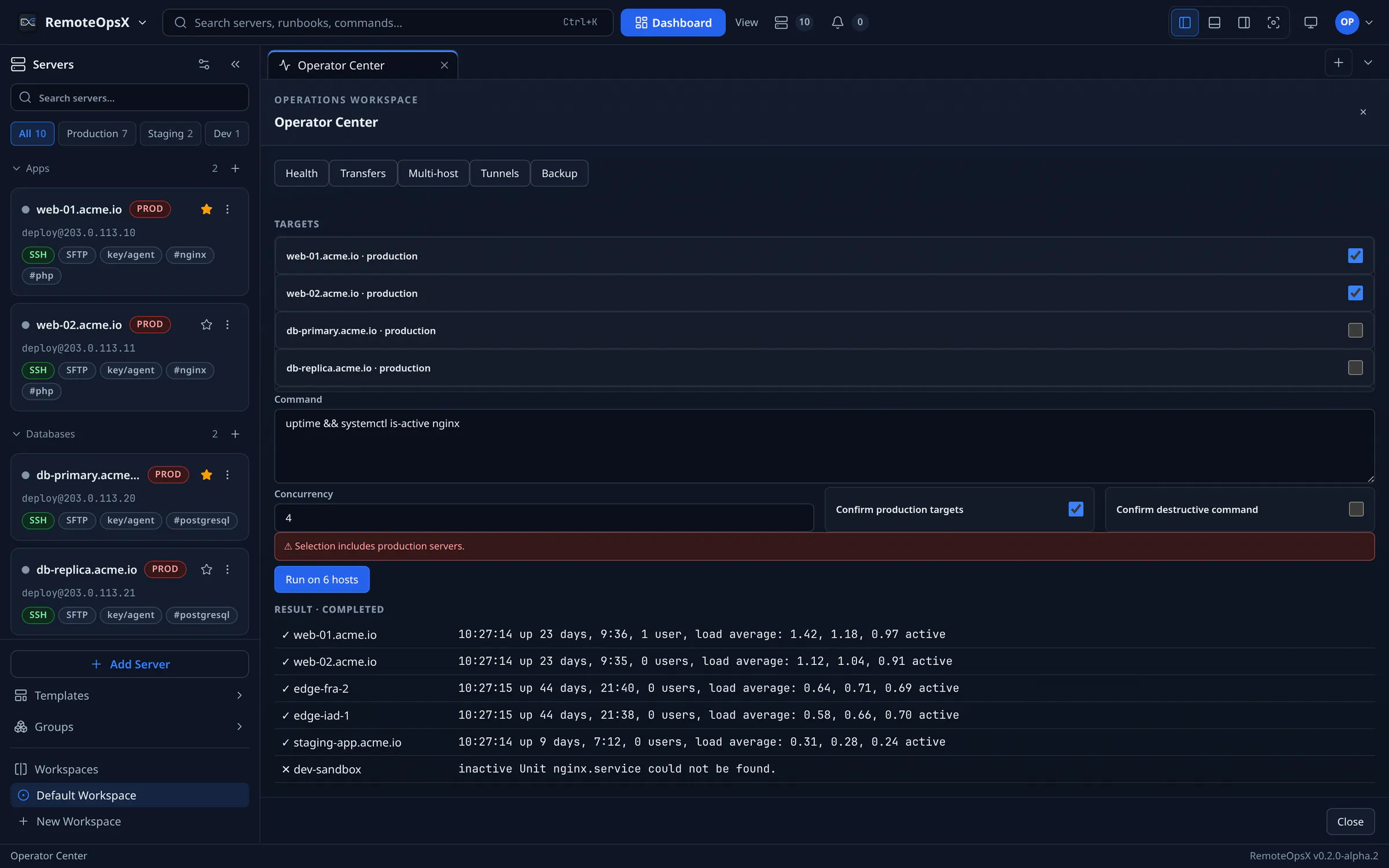
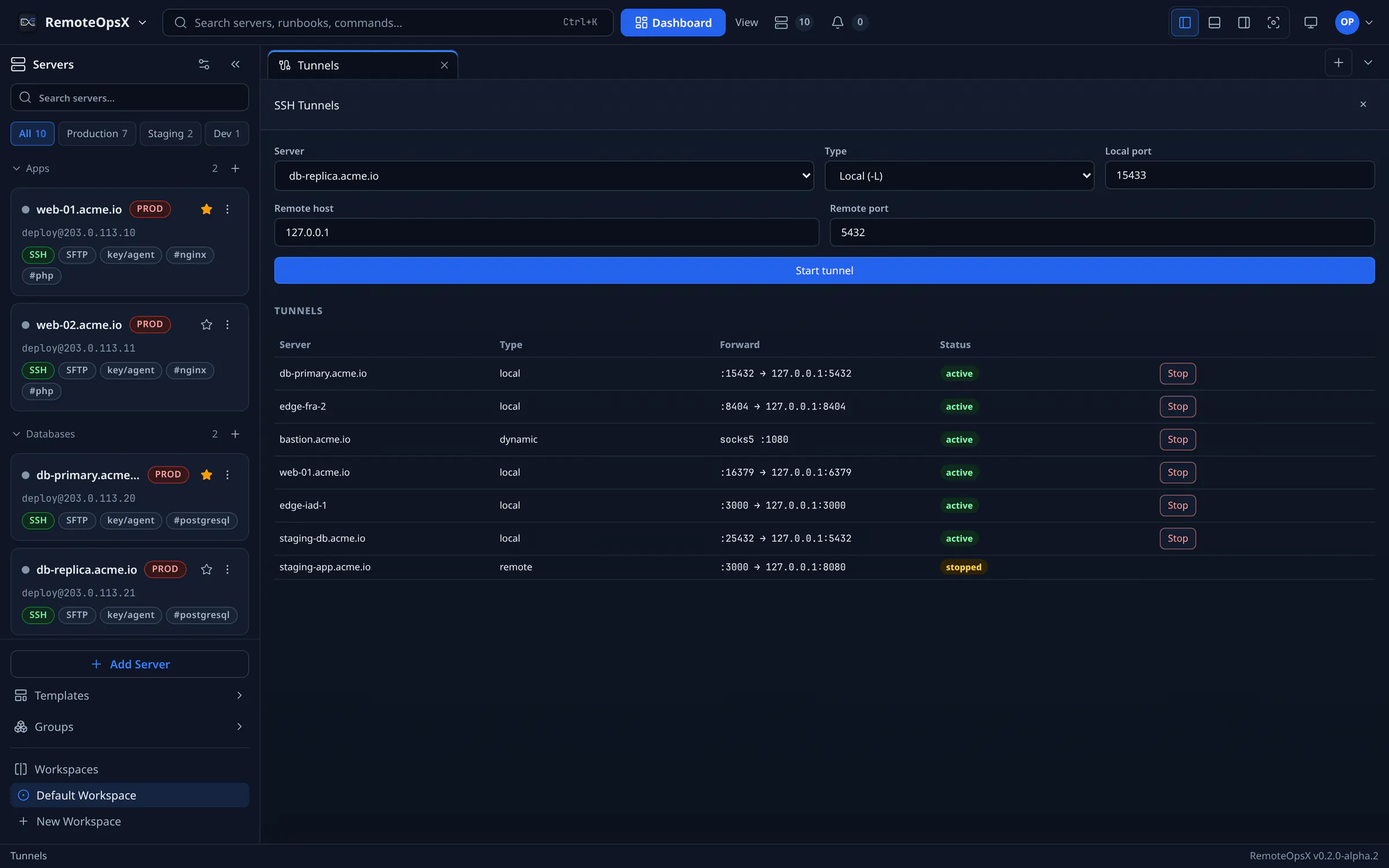
Yes. Free covers up to ten server profiles with the SSH terminal, OpenSSH config import, basic SFTP and basic health, with no time limit and no account needed on the desktop. Paid plans add unlimited servers, advanced health, runbooks, multi-host operations, tunnels, backup and encrypted sync. RemoteOpsX Connect works on every plan once you sign in.
How does Lifetime work?+
Lifetime is a single payment instead of a subscription, at the price shown on the plan. You keep the plan for good, with 1 year of updates included. Pro and Team are available as Lifetime; Business is billed monthly or yearly.
What do Team and Business add?+
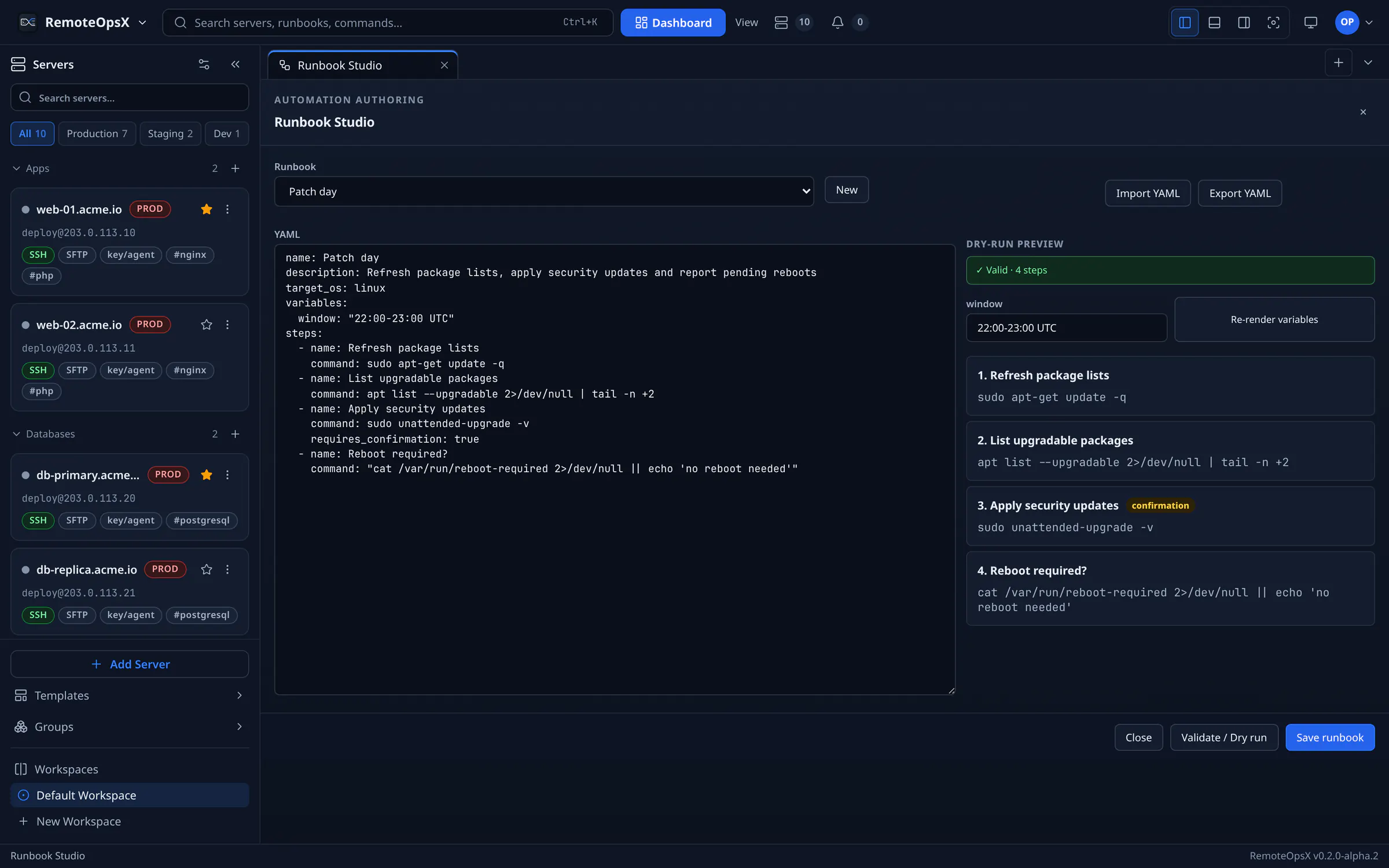
Team gives your organization one team with roles and permissions, invitations and an audit history, with 3 devices per member. Business is for companies with several teams: centralized administration, roles and permissions across teams, security policies enforced by the app, screen-capture protection where the operating system supports it, and an organization-wide audit log. Both also include a shared server inventory with per-member access, and shared runbooks and snippets; these team features are in beta. Each is one price for the whole organization: Team covers up to 100 members, Business up to 500.
Does anything about my servers pass through Darwvin?+
No. The app connects straight to your servers. Hostnames, IPs, credentials, terminal traffic, commands, runbook output and transferred files never touch our servers. The account service handles sign-in, subscription state, device activation and signed entitlements. Two features you turn on yourself use it too, without being able to read anything: encrypted sync stores only ciphertext, and a RemoteOpsX Connect session that cannot go direct passes through our relay end-to-end encrypted.
How does a paid plan reach the app?+
You sign in inside the app with a device code. The app receives an Ed25519-signed entitlement bound to that device, verifies it locally, and falls back to Free if it is missing or invalid. It keeps working offline for a grace period.
How do the free trials work?+
Inside the app, a signed-in account can start one 14-day Pro trial, with no payment method. On darwvin.com, where a Pro, Team or Business plan shows a free trial, a first monthly or yearly subscription starts with it: you enter payment details at checkout, the first payment is taken when the trial ends, and cancelling before then costs nothing. One darwvin.com trial per product per email address. Lifetime has no trial.
Does a plan bought on darwvin.com work on Android?+
Yes. Plans belong to your account, not to one device or store: after you sign in to the Android app with the same account, a plan bought on darwvin.com unlocks Pro there too. Purchases made inside the Android app go through Google Play.
Which platforms are supported?+
Linux (AppImage, .deb, .rpm) is available now from this page, and Windows 10/11 from the Microsoft Store. There is no macOS version. The Android app (Android 7.0 or later) is in closed testing on Google Play; it has SSH terminals, SFTP, port forwards and bastion routes. There is no iOS version.
Can RemoteOpsX replace MobaXterm or PuTTY?+
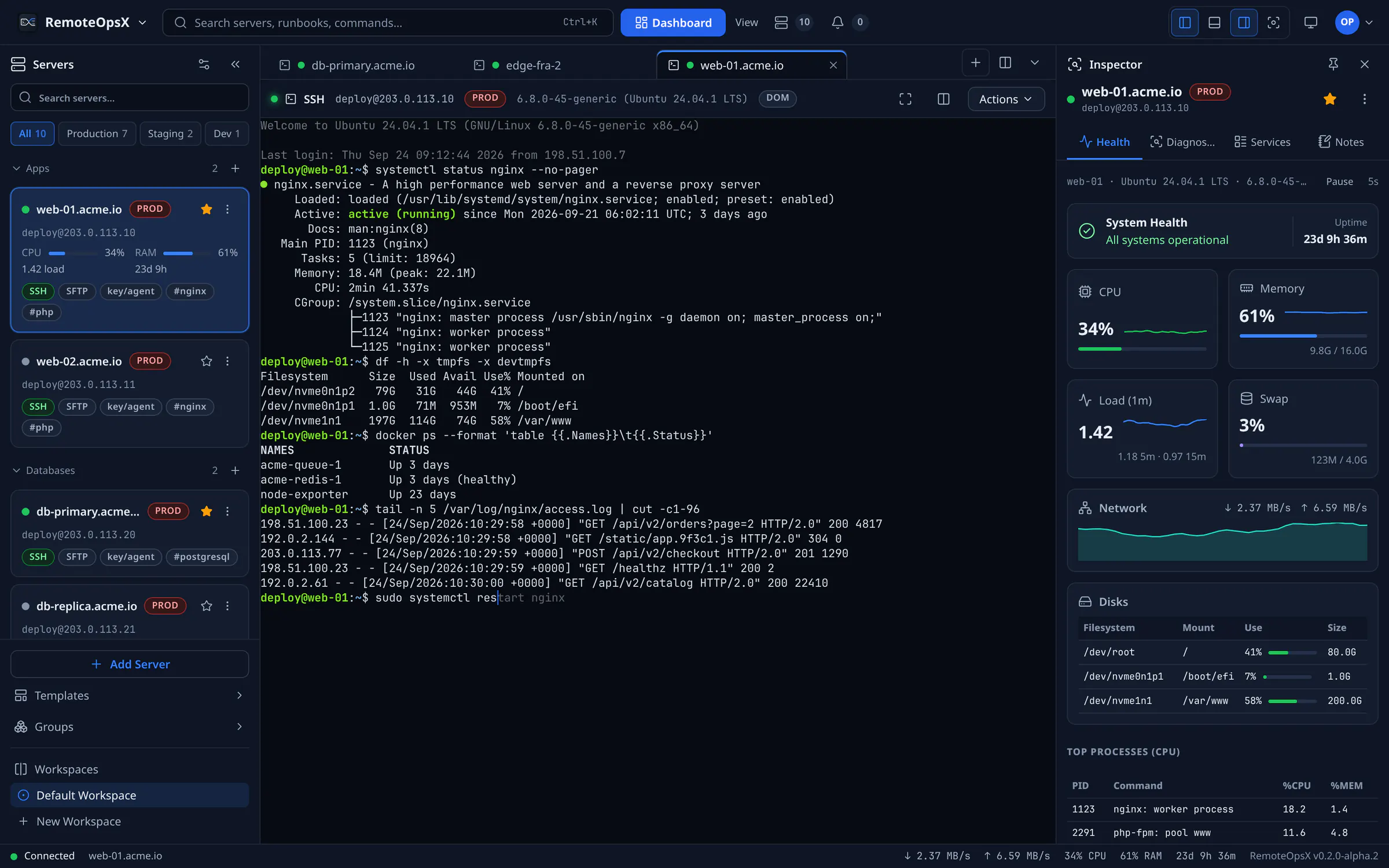
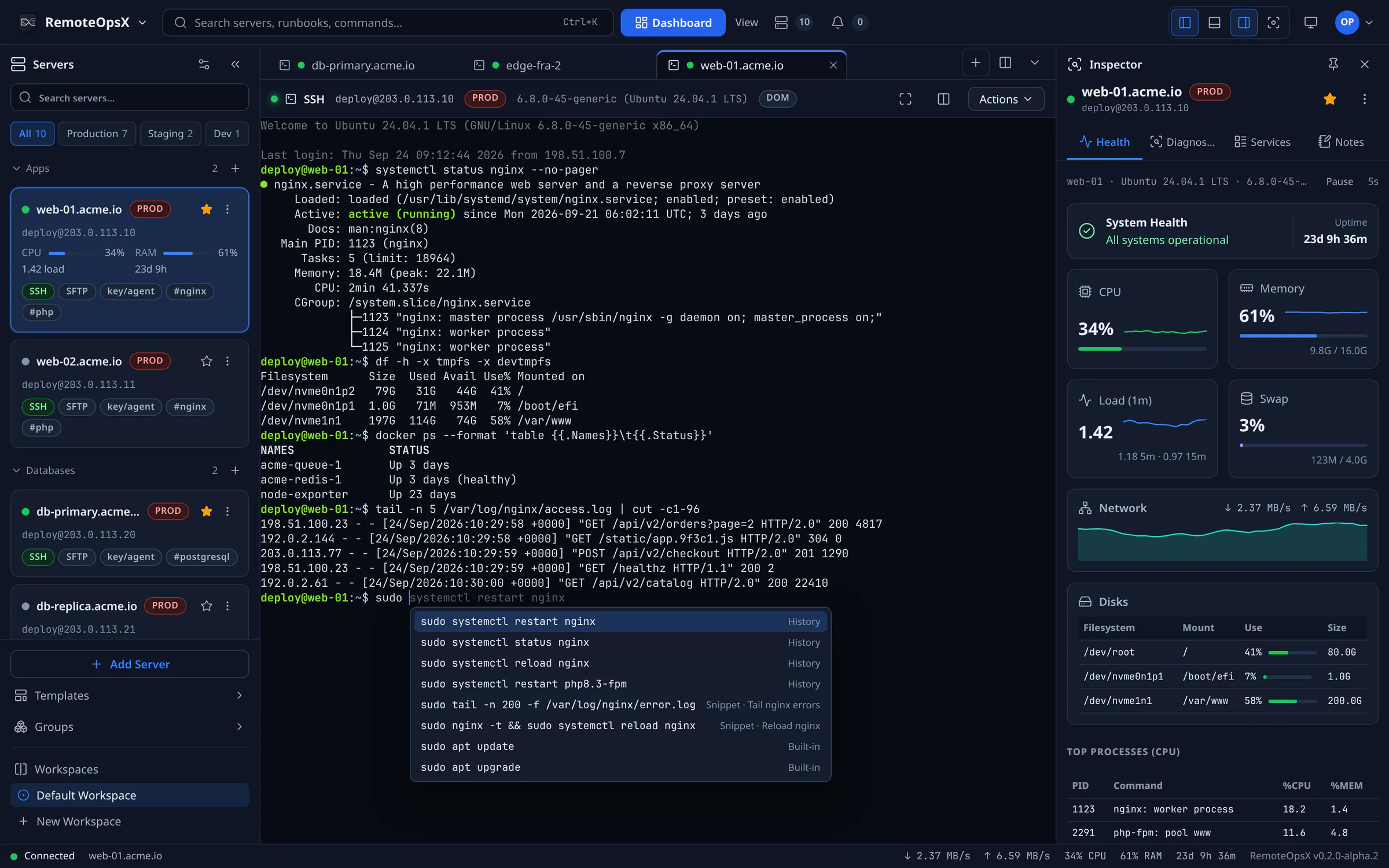
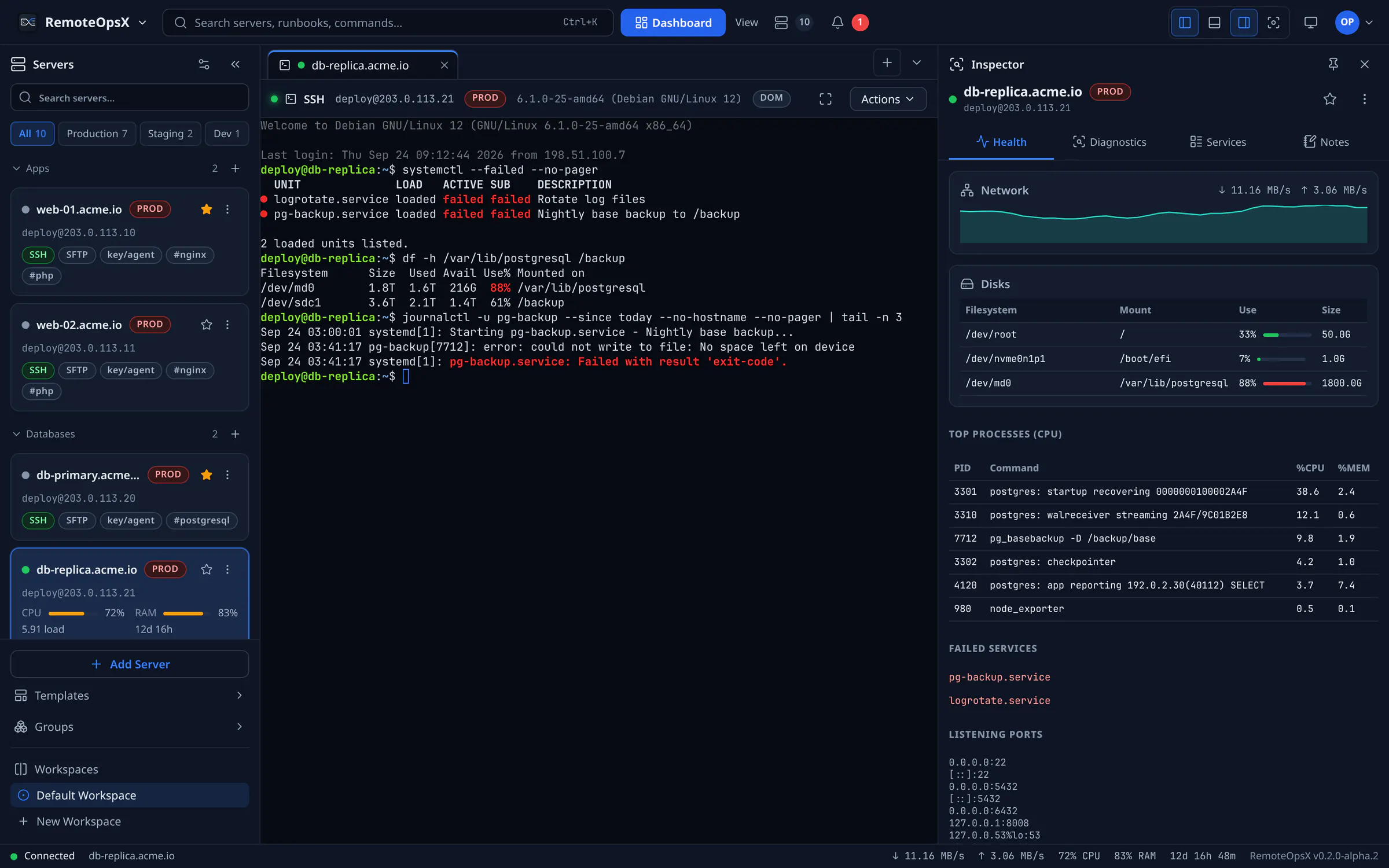
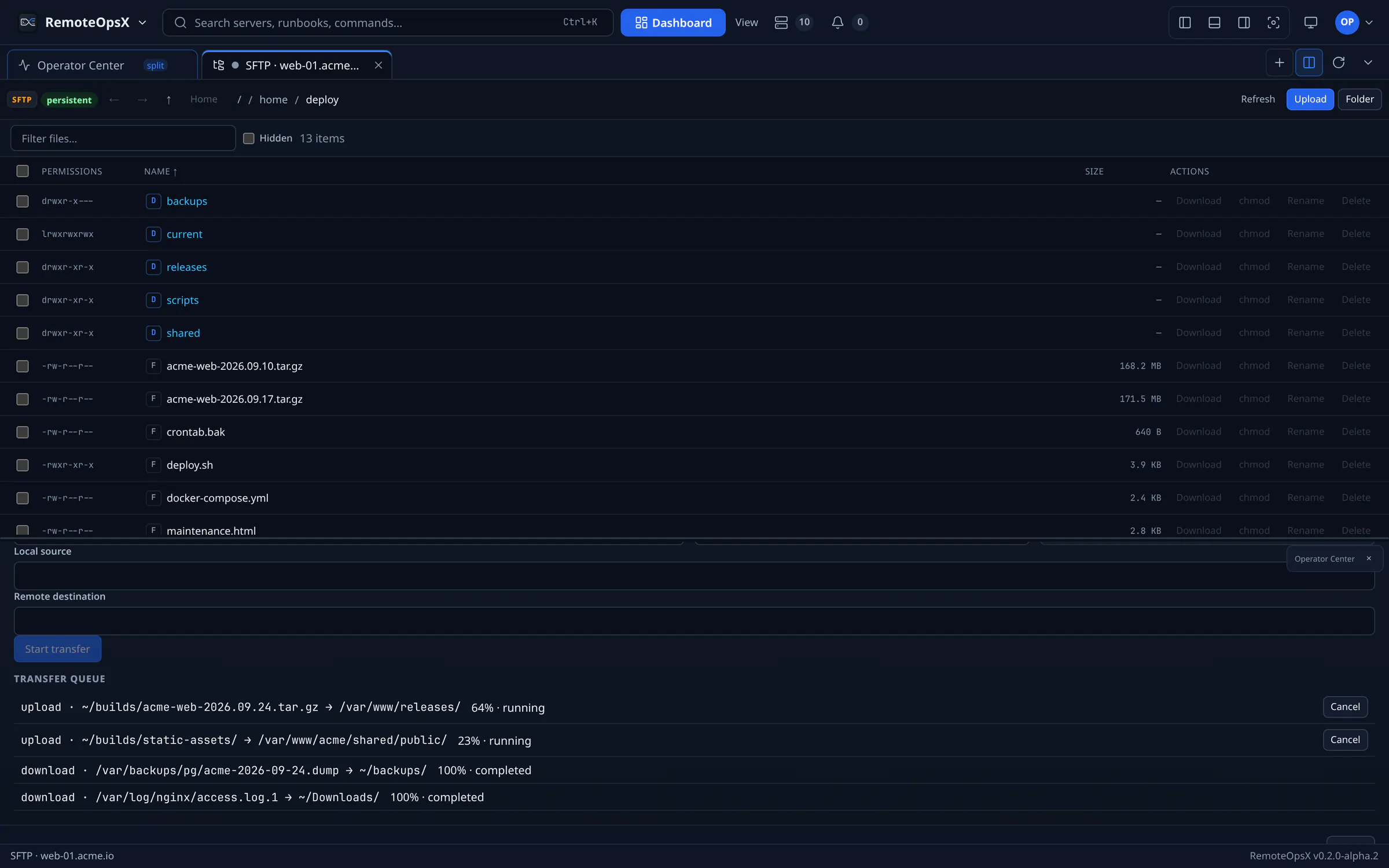
For many people who look after servers, yes. SSH terminals, SFTP and FTP file browsing, RDP and VNC, Telnet and serial consoles and SSH tunnels open as tabs in one window. It runs natively on Linux, and on Windows 10/11 from the Microsoft Store. It has no built-in X server, so X11 forwarding needs an X server on your computer (a Linux desktop has one).
Can I import my sessions from MobaXterm, PuTTY or SecureCRT?+
RemoteOpsX imports your server list from OpenSSH config. Imports from MobaXterm, PuTTY, WinSCP, SecureCRT, mRemoteNG and Royal TS (beta) are built from those tools' published formats and not yet checked against real exports, so check the imported list before you rely on it.
Is RemoteOpsX open source?+
No. RemoteOpsX is not open source: it is a proprietary app with a Free plan and paid plans.
How do I install it?+
Windows: get RemoteOpsX from the Microsoft Store, linked on this page, which installs and updates it. Linux: download the file for your system from this page. Linux AppImage: make the file executable (chmod +x) and run it. Ubuntu or Debian: sudo apt install ./RemoteOpsX_*.deb. Fedora or openSUSE: sudo dnf install ./RemoteOpsX-*.rpm (or zypper). Each file has a SHA-256 checksum next to it. To upgrade, choose a plan on this page, then sign in inside the app.
What is still in beta?+
RemoteOpsX Connect and the Team features. Windows is installed from the Microsoft Store, which signs it. Connect stays in beta until it has been tested between machines on different networks, and the Team features until their security review is done. Paid plans can be bought today and include every update during the subscription, or one year of updates with a lifetime license.
Where are my passwords and keys stored?+
In your operating system's keyring: Secret Service on Linux and Windows Credential Manager on Windows. The app's own database keeps references to them, never the secret itself. Known secrets are masked in terminal output, errors, runbook results and exports.
Does it work offline?+
Your saved servers, runbooks and history are stored on your computer, so they open without a connection. Connecting to a server needs a network route to that server. A paid plan is verified on your device and keeps working offline for a grace period. If the plan's entitlement is missing or invalid, the app falls back to the Free plan.
Can I get a refund?+
Yes. Online purchases can be refunded within 14 days, as explained in the refund policy. When a refund is completed, the paid plan is removed from your account and the app returns to the Free plan.
Are the downloads signed?+
Linux files come with a detached signature that you can check against the release signing key, and every file has a SHA-256 checksum. The Microsoft Store version for Windows is signed by the Store.